Scan and go
The scanner types into the till like a keyboard, so nothing needs focusing. A price check on the lock screen answers the question at the shelf.
Shops and counters
Scan, take the money, hand over the receipt. Barcode scanning without focus fiddling, staff on a badge, gift cards, customers on account, and a cash-up at the end of a shift that actually adds up.
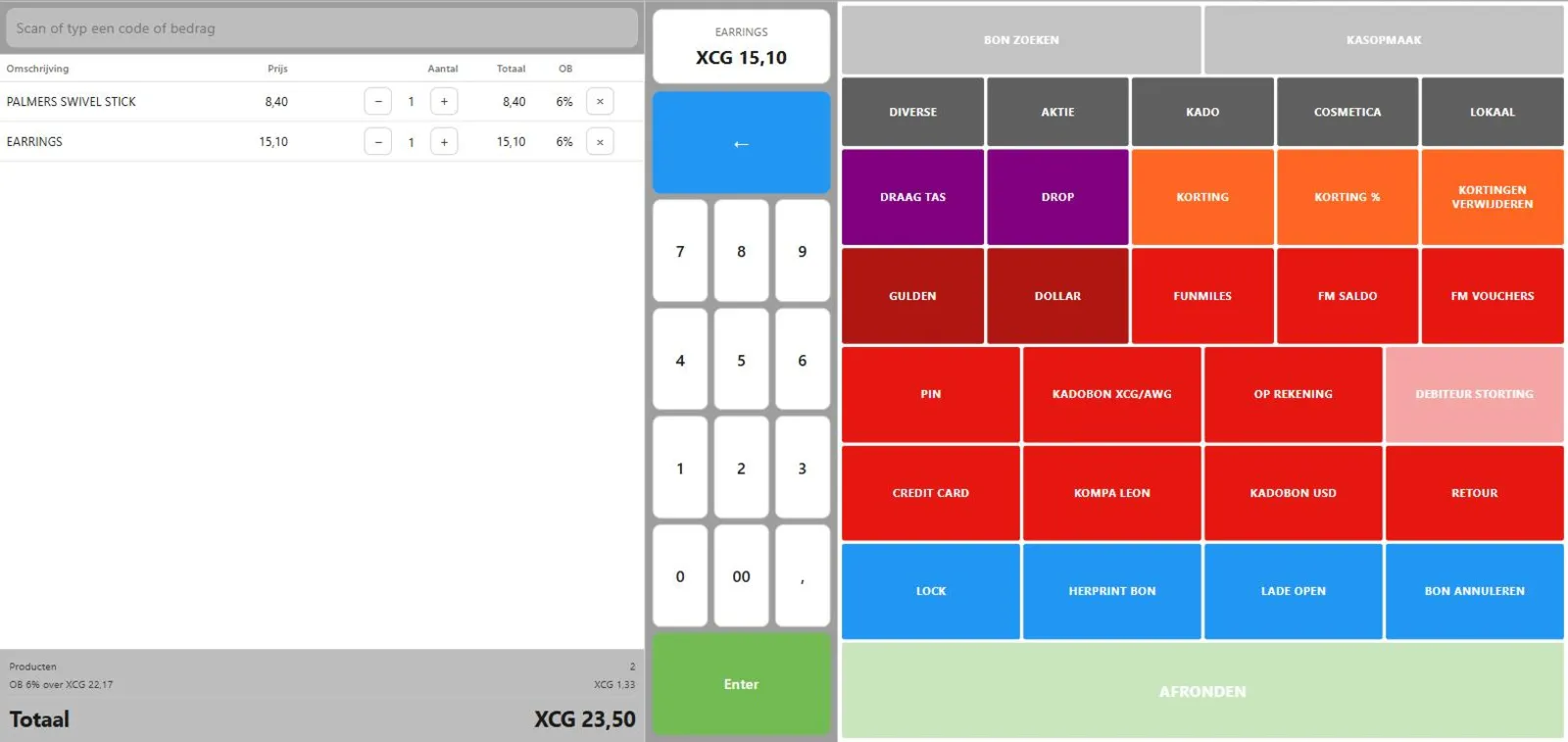
The scanner types into the till like a keyboard, so nothing needs focusing. A price check on the lock screen answers the question at the shelf.
Its own assortment lives on the device, so the same barcode scans the same offline as online, at the same price.
Cash counted per denomination, a change fund with its own procedure, and receipt lookup by number for the customer who comes back tomorrow.
Recognise your counter in this? An intake tells you what it really takes, and what it costs.
Not a feature list written for this page. These are the parts of Phlo POS that carry this kind of counter, and they run today.
What the person behind the counter touches.
A queue does not wait for a router. This is the part most tills get wrong.
Shops, counters and chains.
If it types like a keyboard, yes. That is almost all of them, and the till captures the input without a cursor in a box.
Yes, including cards issued by whatever you ran before; a card without a modern check code can be accepted on its own terms.
The till opens on the last catalogue it holds and sells all day. Gift cards and account customers need a server and say so on the button.
A custom till has no list price, because the scope decides it. After an intake you get one price for the whole project: build, hardware advice, installation and training in a single amount, agreed before we start.
Ready to look at it properly?
Tell us how you sell today and what gets in the way. You get a fixed scope and a fixed price, or an honest no.
What an intake looks like
You hear back from the people who would build it, not from a sales desk.
Wondering what your counter needs?
Start an intake