Your own products, on a till
Connect Shopify or Lightspeed and your products, prices and stock are on the till. Nothing is retyped and nothing is kept twice.
Webshops with a counter
You already run a webshop. Selling at a market, a pop-up or a small counter should not start a second administration next to it. Every in-person sale lands as an order in the shop you already run.
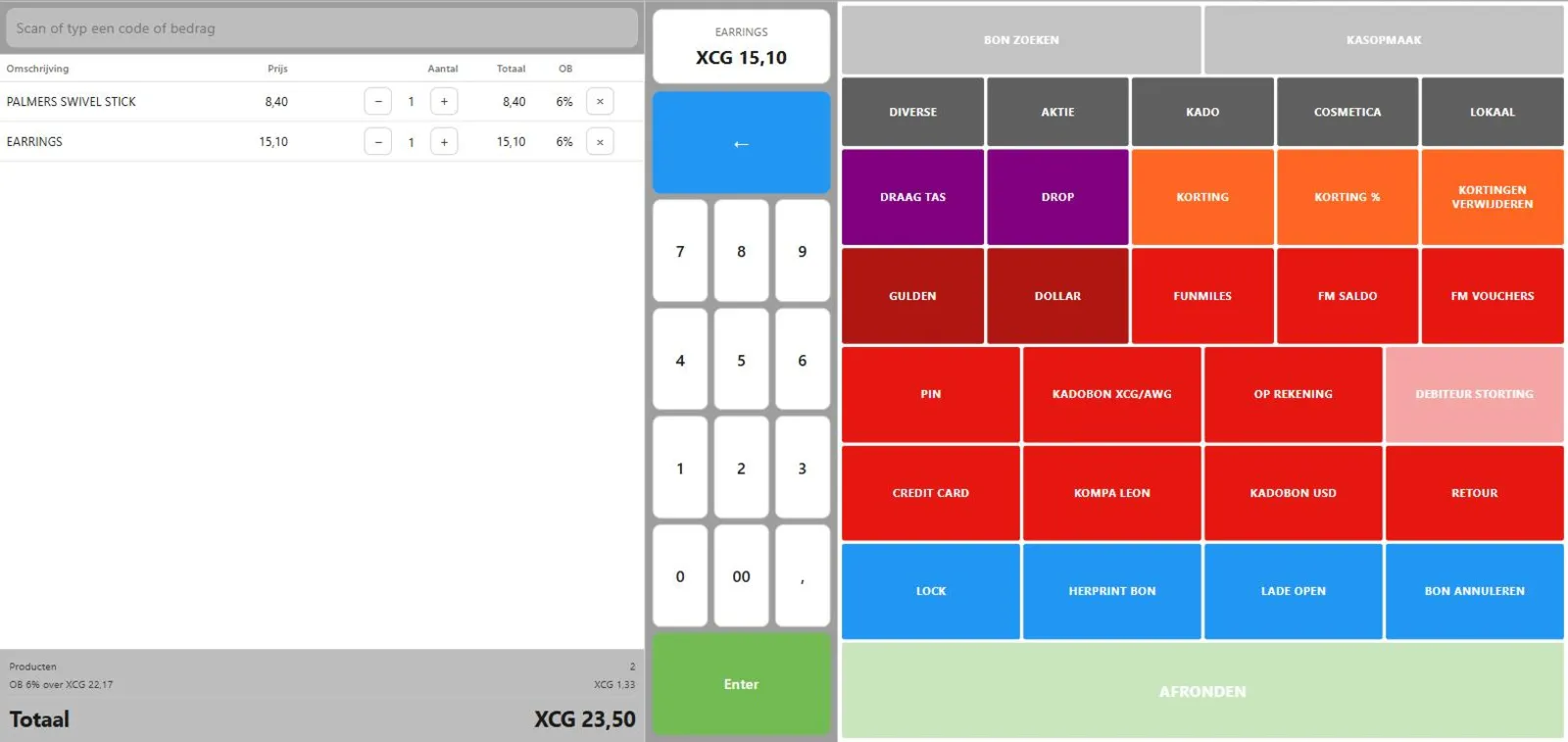
Connect Shopify or Lightspeed and your products, prices and stock are on the till. Nothing is retyped and nothing is kept twice.
An in-person sale lowers webshop stock right away, so you never sell online what just left the market stall.
This is the one part of Phlo POS you can start yourself. From €29 per month, with your own SumUp reader.
Recognise your counter in this? An intake tells you what it really takes, and what it costs.
Not a feature list written for this page. These are the parts of Phlo POS that carry this kind of counter, and they run today.
What the person behind the counter touches.
A queue does not wait for a router. This is the part most tills get wrong.
Shopify and Lightspeed today. Running something else? Tell us; the connector layer is built to grow.
No. The webshop till is the subscription on its own. A custom till is its own project, with its own agreement.
Yes. Create an account, connect your shop, and see your own products on a till within the hour.
A custom till has no list price, because the scope decides it. After an intake you get one price for the whole project: build, hardware advice, installation and training in a single amount, agreed before we start.
Ready to look at it properly?
Tell us how you sell today and what gets in the way. You get a fixed scope and a fixed price, or an honest no.
What an intake looks like
You hear back from the people who would build it, not from a sales desk.
Wondering what your counter needs?
Start an intake